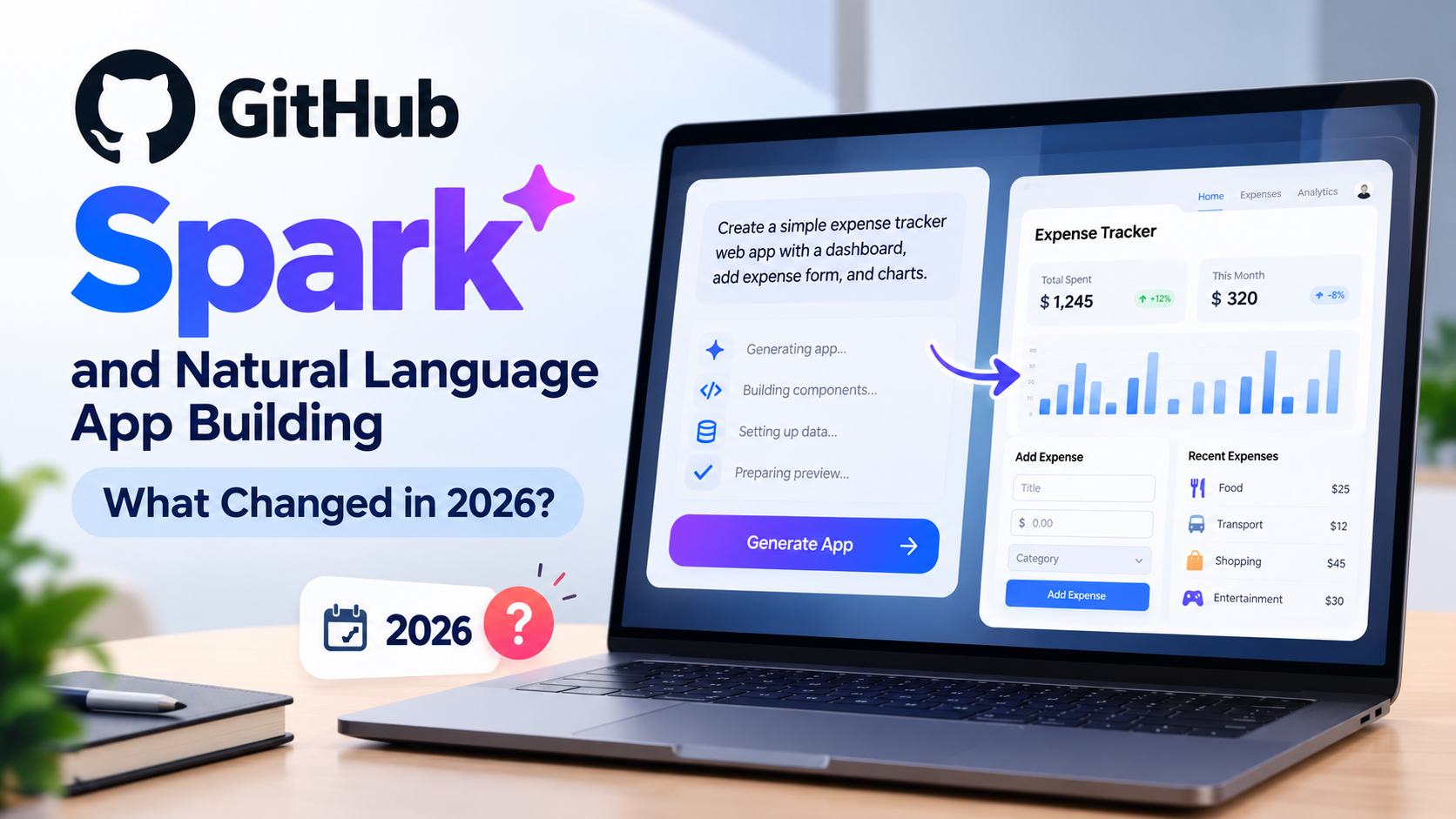
Imagine having an app idea but not knowing where to start. You describe what you want, an AI tool generates an interface, and you refine the result by explaining what needs to change. That is the promise of natural language app development—and it is one of the reasons AI coding tools have attracted so much attention.
GitHub Spark explored this idea by helping people turn written descriptions into working applications. It aimed to make app creation easier by combining AI-assisted development with hosting, data, and GitHub’s developer ecosystem.
But there is an important update: GitHub announced the retirement of its Spark experience in August 2026. New users could no longer create apps from August 4, and existing users had until August 31 to export their app code. GitHub said its broader Copilot development workflows were becoming the preferred direction for building and refining applications. Read GitHub’s official announcement.
So, is the idea behind Spark disappearing? Not necessarily. The bigger story is how AI tools are changing the way people build software—and what you can use today if you want to create an app without writing every line of code yourself.
What Was GitHub Spark?
GitHub Spark was an AI-powered application-building tool designed to turn natural language instructions into small, working applications.
Instead of starting with a blank code editor, users could describe an idea in everyday language. Spark would generate an app that they could preview, refine, and share.
For example, someone might request:
“Build a personal expense tracker with a monthly spending dashboard, categories for purchases, and a form to add new expenses.”
The goal was to transform that description into a usable starting point, then let the user improve it through further instructions and visual changes.
Spark’s approach combined several parts of the development process:
- Natural language prompting: Describe the app and its desired behavior.
- Interface generation: Create screens and interactive elements.
- Full-stack capabilities: Build experiences involving frontend and backend functionality.
- AI integration: Add intelligent features to supported applications.
- Publishing: Share or deploy the result through the platform.
- GitHub integration: Move app code into a repository for further development.
These features made Spark interesting to people who wanted to experiment with ideas without setting up every component manually. GitHub introduced the product as a way to reduce the distance between an idea and a working application. Explore GitHub’s original Spark announcement.
What Happened to GitHub Spark in 2026?
GitHub announced the retirement of the Spark experience hosted on GitHub.com on August 4, 2026.
The announcement included three important details:
- New app creation stopped: Spark no longer accepted new users or allowed new apps to be created from August 4.
- The export window ended: Existing users could access Spark until August 31, 2026, to export their applications.
- Existing deployed apps could continue working: GitHub stated that already-deployed apps would continue to work after Spark was retired.
There was also a separate change involving GitHub Models. The service used by Spark’s llm() function retired on July 30, 2026. Apps that depended on that function may need another inference provider to retain their AI functionality.
These details matter because retiring an app-building platform does not necessarily mean every app built with it stops working immediately.
If you previously created a Spark app, check whether you have a copy of its code and whether it relies on GitHub Models. If you still have access to the code, review its dependencies and identify the hosting and AI services needed to keep it running.
For the definitive status and migration details, consult GitHub’s retirement notice.
What Happens to Existing GitHub Spark Apps?
The next step depends on whether you already built an app, deployed it, or were only planning to try Spark.
| Your situation | What you should know |
|---|---|
| You wanted to try Spark for the first time | New app creation is no longer available through the retired Spark experience. |
| You created an app but never exported its code | Check any local copies, repositories, or backups you already have. The announced export window ended on August 31. |
| Your app was already deployed | GitHub said deployed apps would continue to work after Spark’s retirement, but you should verify the app’s current behavior and dependencies. |
Your app uses llm() | You may need to replace the retired GitHub Models inference service with another provider. |
| You want to keep developing an existing app | Review the code and move development into a suitable repository, editor, hosting service, and AI workflow. |
A working deployment should not be treated as a guarantee of long-term support. Hosting, databases, authentication, AI inference, and other dependencies can have separate requirements.
For an existing project, make a checklist of the services it uses before attempting a migration. Test the app after each significant change rather than assuming that moving the code will preserve every feature.
Why Natural Language App Development Still Matters
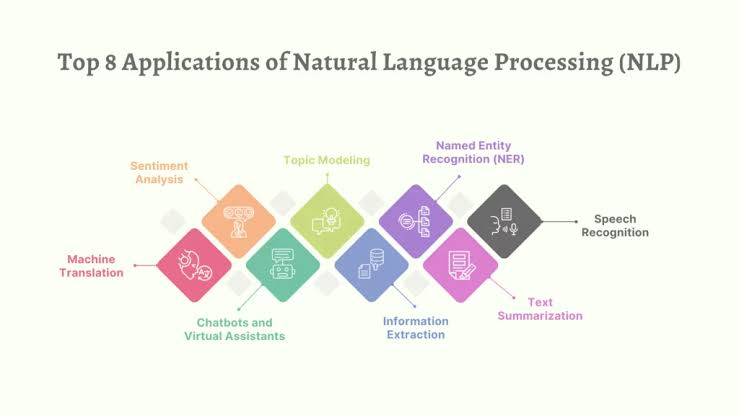
Spark’s retirement does not remove the underlying need it tried to address: making software development more accessible.
Traditional app development can involve several different tasks, including designing an interface, writing frontend code, creating backend logic, connecting a database, handling authentication, testing, and deploying the application.
AI-assisted development can help with parts of this process. A person can explain the intended result, receive a suggested implementation, inspect it, and request changes without manually writing every line.
This approach is often called vibe coding, although the term can describe anything from quick experimental prototyping to more involved AI-assisted software development.
It can be useful for:
- Building a prototype before investing in a full product.
- Creating simple internal tools for a team.
- Testing a business idea with a working demonstration.
- Learning how a web application is structured.
- Automating repetitive tasks.
- Exploring interface ideas before committing to a design.
However, a natural language prompt does not remove the need to think about software quality. AI-generated code can contain bugs, insecure defaults, incomplete logic, or assumptions that do not match the original request.
The practical advantage is not that software development becomes effortless. It is that people can often move from an idea to a testable starting point more quickly.
GitHub Spark Alternatives Worth Exploring
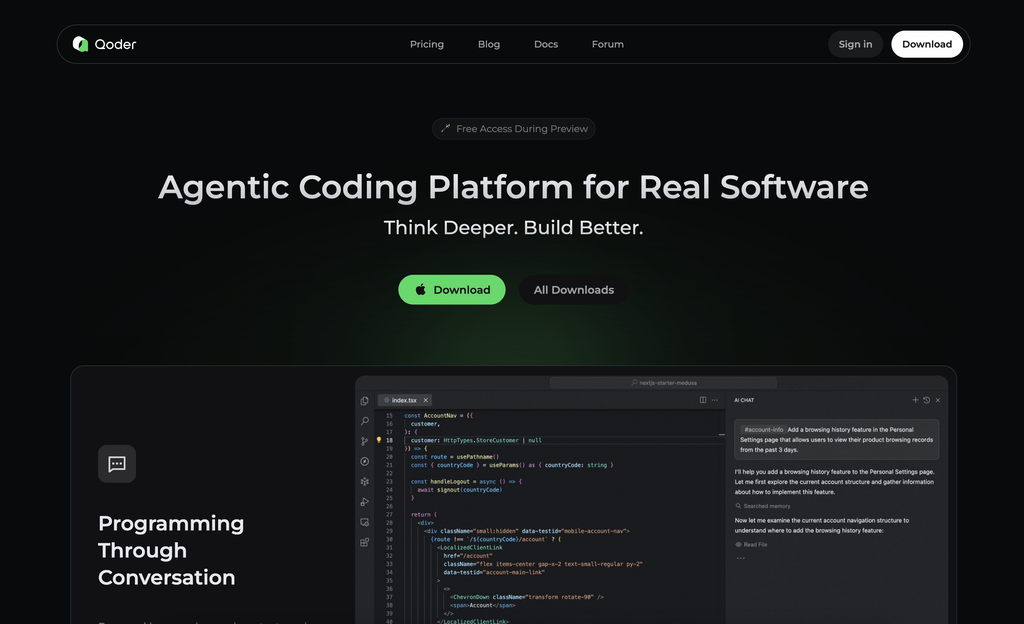
If you were interested in Spark, choose a replacement based on the kind of application you want to build. Not every AI coding tool offers the same workflow, and some require more technical knowledge than others.
1. GitHub Copilot
GitHub Copilot is the most natural place to start if you want to stay within the GitHub ecosystem.
GitHub has pointed users toward Copilot workflows in environments such as VS Code, Copilot CLI, and the GitHub Copilot app. Depending on the workflow and available features, these tools can help developers understand a codebase, generate code, make changes, and work through implementation tasks.
Copilot is particularly relevant if you want to develop a real repository rather than keep an app inside a standalone builder.
Best for: Developers, people learning to code, and teams that want AI assistance alongside their existing development workflow.
Keep in mind: You may need to configure the project, understand the generated code, run tests, and arrange hosting separately.
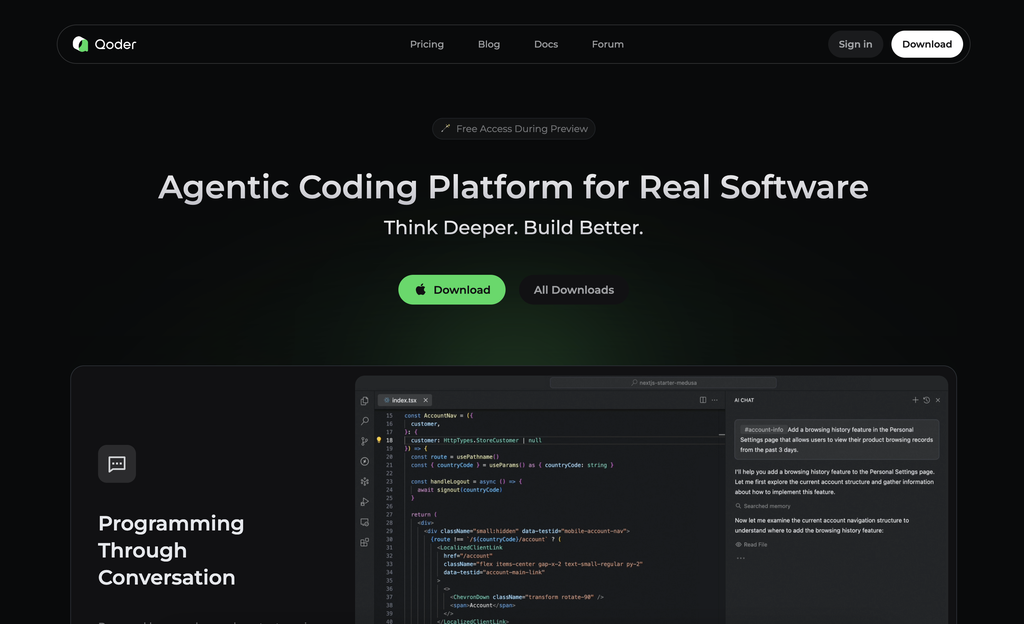
2. Browser-based AI app builders
Some AI app builders focus on creating web interfaces and application prototypes from written prompts. They can be useful when you want to see a visual result quickly without starting in a traditional code editor.
Before choosing one, check whether it supports the features your project needs:
- Can you export the source code?
- Can you connect a database?
- Does it support authentication?
- Can you use your own API keys or AI models?
- What happens if you cancel your subscription?
- Can the application be deployed outside the platform?
These questions are more important than how impressive the initial demo looks.
Best for: Beginners, founders validating ideas, and people who want a visual starting point.
3. AI-assisted development inside an editor
Another option is to use an AI coding assistant in a development environment such as Visual Studio Code.
This approach gives you more direct control over the files, dependencies, tests, and deployment process. You can ask an assistant to create a feature, explain unfamiliar code, or help investigate an error.
The trade-off is that you may need to understand project structure and basic development concepts.
Best for: Users who want greater control over their code and expect to maintain their app over time.
4. Traditional frameworks with AI assistance
For projects that need more control, you can use a conventional web framework and let AI assist with individual tasks. For example, a developer might use a frontend framework, a backend service, and a database while asking an AI assistant to help implement features.
This is less of a one-click experience, but it can make the application’s architecture and dependencies easier to manage.
Best for: Production projects, custom functionality, and applications with more demanding security or maintenance requirements.
A simple rule: If your goal is to test an idea, start with a quick builder. If you want to maintain and expand a product, prioritize code access, testing, portability, and control over the services your app depends on.
How to Build an App Using Natural Language
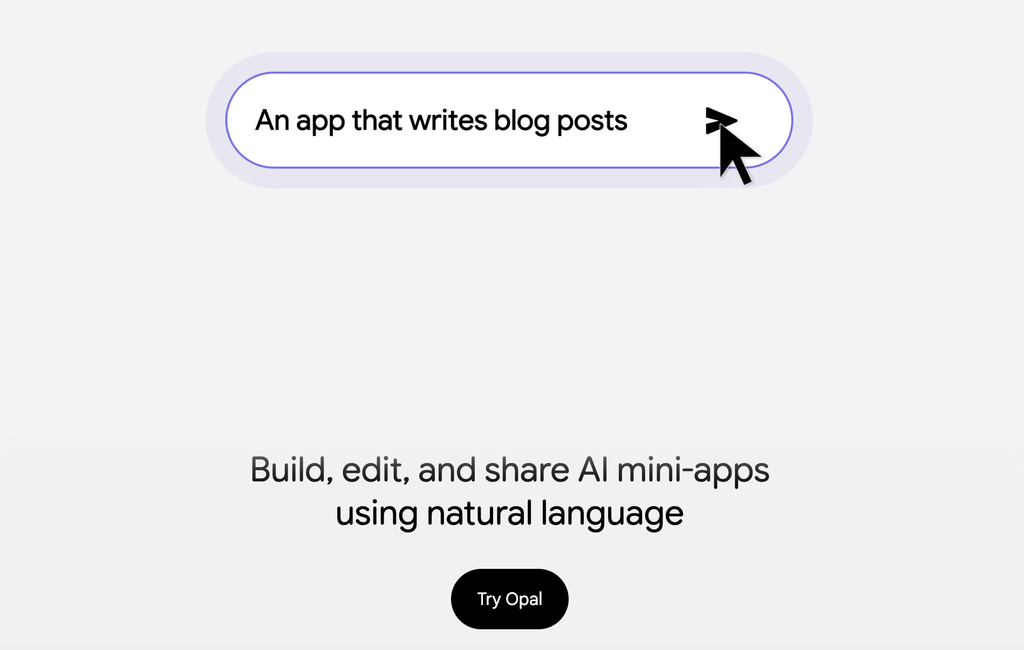
Even without Spark, you can use a structured prompt-driven workflow with a suitable AI coding tool.
Step 1: Define one clear problem
Avoid starting with a request like “Build me the next big social media platform.”
Instead, choose a small, testable goal.
For example:
“I want a personal task tracker where users can add tasks, mark them complete, and filter them by status.”
The clearer the goal, the easier it is to check whether the generated application works.
Step 2: Describe the features
Write down the screens, actions, and information the app needs.
For a task tracker, you might specify:
- A form to add tasks.
- A list of open and completed tasks.
- A way to edit or delete an item.
- A filter for task status.
- A clear layout that works on mobile devices.
This helps the AI understand the intended behavior rather than focusing only on appearance.
Step 3: Ask for a small first version
Do not request every advanced feature at once. Ask the tool to create a minimal version, then test the result.
A smaller first build makes it easier to spot missing functionality and incorrect assumptions.
Step 4: Test the app yourself
Try normal and unusual inputs. Add empty tasks, refresh the page, test mobile layouts, and check whether saved data behaves as expected.
If the app handles private information, payments, or user accounts, testing and security reviews become especially important.
Step 5: Review the code and dependencies
Ask the AI to explain the main files, identify dependencies, and point out any configuration that needs attention.
Do not place passwords, private API keys, or production credentials in prompts or public repositories. Use the appropriate secret-management features for your environment.
Step 6: Deploy and maintain it
Before publishing, confirm that the application has the required hosting, database, authentication, and monitoring arrangements.
After deployment, keep dependencies updated and test changes before releasing them. AI can assist with maintenance, but it does not replace responsibility for the application.
Benefits and Limitations of AI App Builders
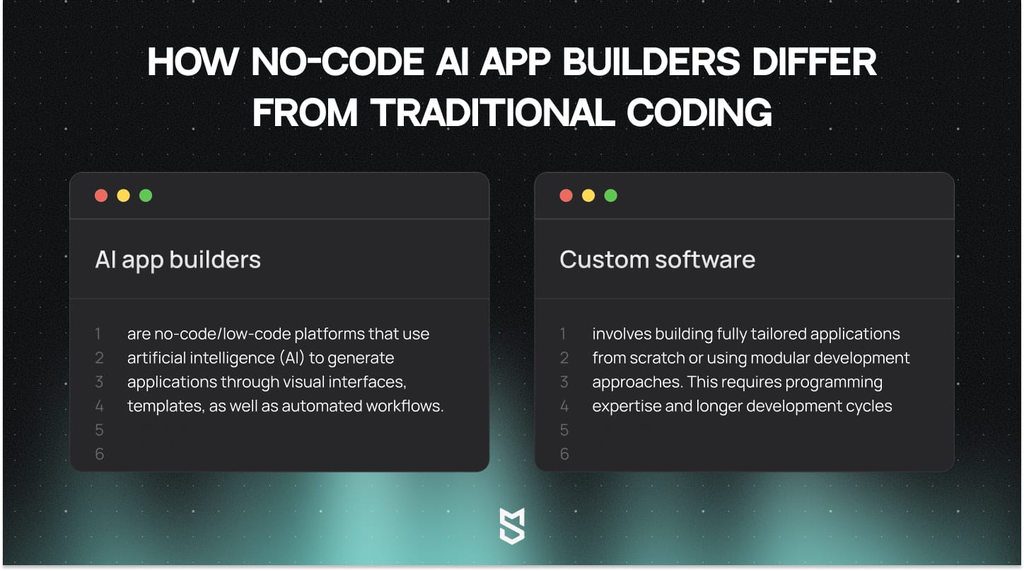
AI-powered development tools can reduce the effort required to begin a project, but their value depends on the task and the user’s expectations.
| Potential benefit | Limitation to consider |
|---|---|
| Faster initial prototypes | Generated features may not work as intended |
| Less repetitive coding | Code still needs review and testing |
| Easier experimentation | Complex requirements may need substantial refinement |
| Help for people learning development | AI explanations can be incomplete or incorrect |
| Faster iteration on interfaces | Visual polish does not guarantee good architecture |
| Assistance with debugging | Suggested fixes may introduce new issues |
A prototype that works in a demonstration is not automatically ready for real customers. Applications that handle sensitive data, payments, or business-critical operations need careful testing, security controls, and ongoing maintenance.
The strongest workflow combines AI assistance with human review, clear requirements, and repeatable tests.
Is Vibe Coding Right for You?
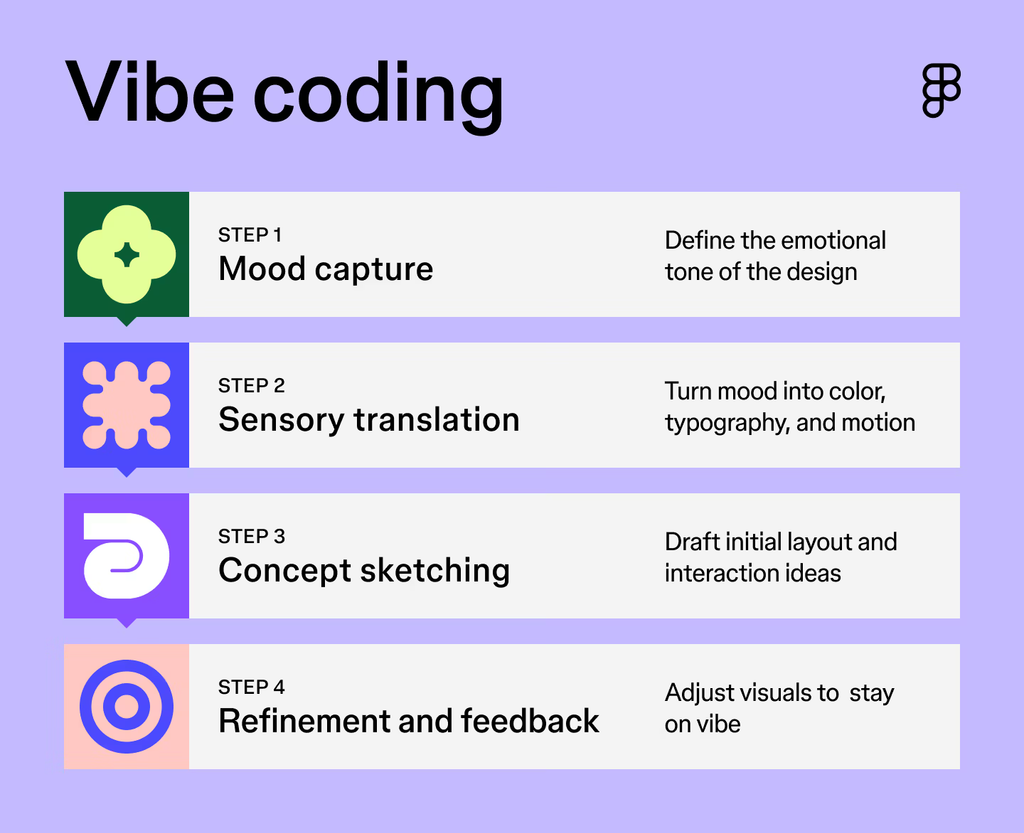
It depends on what you want to accomplish.
If you are exploring an idea, learning how applications work, or building a small personal tool, natural language development can be a practical starting point. You can experiment with features and see how different design choices affect the result.
If you are building software for customers, you should consider the entire lifecycle—not just the first generated screen. Code ownership, data portability, security, hosting costs, and the ability to maintain the application are all important.
For developers, AI tools are often most useful when treated as collaborators that can accelerate specific tasks. For beginners, they can provide a useful introduction, as long as the generated output is tested rather than accepted blindly.
The key lesson from GitHub Spark is that the market for AI-assisted development continues to evolve. A tool can be useful for a period and still be retired as platforms change direction. Choosing tools with a clear export path and manageable dependencies can help protect the time you invest in a project.
Frequently Asked Questions
Is GitHub Spark still available in October 2026?
GitHub announced the retirement of its Spark experience on GitHub.com in August 2026. New users could no longer create apps from August 4, and the export window for existing users ended on August 31. See GitHub’s official announcement for details.
Why did GitHub retire Spark?
GitHub said AI models and agentic development tools had advanced and that builders were increasingly using integrated Copilot workflows in tools such as VS Code, Copilot CLI, and the GitHub Copilot app. The announcement describes this as a shift in how GitHub supports application development.
Will existing GitHub Spark apps stop working?
GitHub stated that already-deployed apps would continue to work after Spark’s retirement. However, individual apps may rely on services or features with separate requirements, so their current behavior should be verified.
What happened to Spark apps using llm()?
GitHub Models, the inference service used by Spark’s llm() function, retired on July 30, 2026. Apps that use this function may need a separate inference provider, along with the appropriate API key and billing arrangements.
What is the best alternative to GitHub Spark?
There is no single best alternative for every user. GitHub Copilot is a logical option for people who want to build within a GitHub-centered development workflow. Browser-based AI builders may be easier for visual prototyping, while conventional development environments offer more direct control over code and dependencies.
Can beginners build apps using AI without coding?
Yes, some tools can generate working starting points from natural language descriptions. However, beginners still need to test the result, understand the tool’s limitations, and consider security and hosting before using an app for important tasks.
Is vibe coding suitable for production applications?
It can be part of a production workflow, but generated code should not be deployed blindly. Production applications require appropriate testing, code review, security checks, monitoring, and maintenance.
Should I learn coding if AI can build apps?
Learning coding remains valuable because it helps you understand how an application works, identify bugs, assess security risks, and maintain the result. AI can assist with implementation, but technical understanding makes it easier to evaluate its suggestions.
Conclusion
GitHub Spark explored an appealing idea: describe an application in plain language and let AI help turn it into a working product. Its retirement is an important update for anyone who planned to use it, but the broader move toward AI-assisted development remains relevant.
If you want to build an app today, focus on the workflow that fits your needs. Compare tools based on code access, portability, testing, and long-term maintenance—not just how quickly they produce a demo.
AI can help you get started. Building something dependable still requires clear requirements, careful decisions, and human oversight.