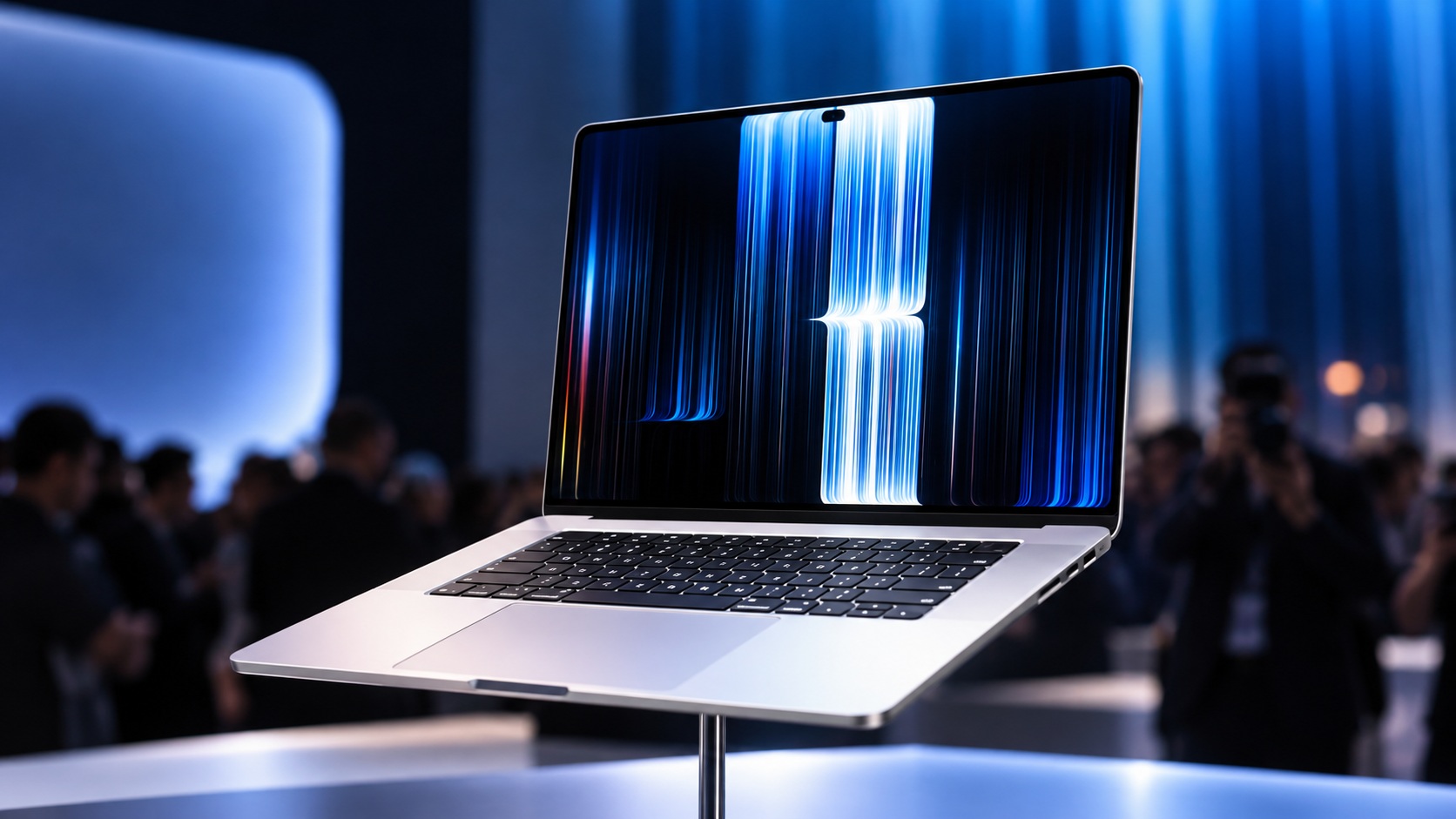
For years, MacBook users have relied on a keyboard, trackpad, and external accessories to interact with their laptops. Apple is now changing that experience. On October 28, 2026, the company introduced a redesigned MacBook Pro featuring a tandem OLED display, touchscreen controls, and a new interface element inspired by the iPhone’s Dynamic Island.
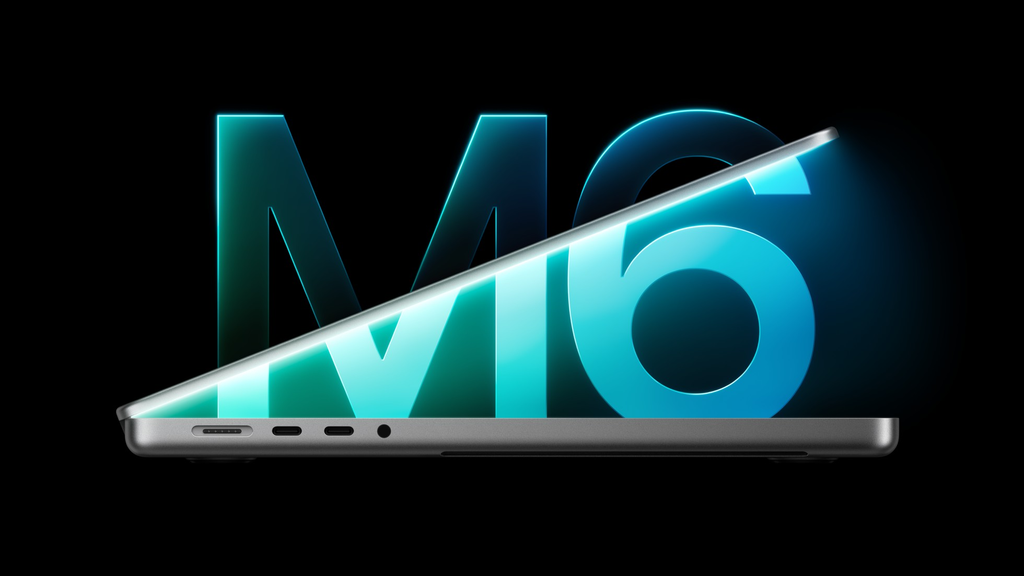
The new Apple touchscreen MacBook Pro is available in 14-inch and 16-inch configurations with M5 Pro and M5 Max chips. Apple says the display can reach up to 2,000 nits of brightness, offers a 120Hz adaptive refresh rate, and delivers a 10,000,000:1 contrast ratio. Pre-orders began on October 28, with availability scheduled to start November 6, 2026.
The catch? This is a premium laptop, and the starting price is considerably higher than many everyday computers. Here’s what’s new, what it could mean for users, and whether the upgrades are worth your attention.
What Did Apple Announce?

Apple has announced a major MacBook Pro redesign that introduces touchscreen interaction to the Mac for the first time.
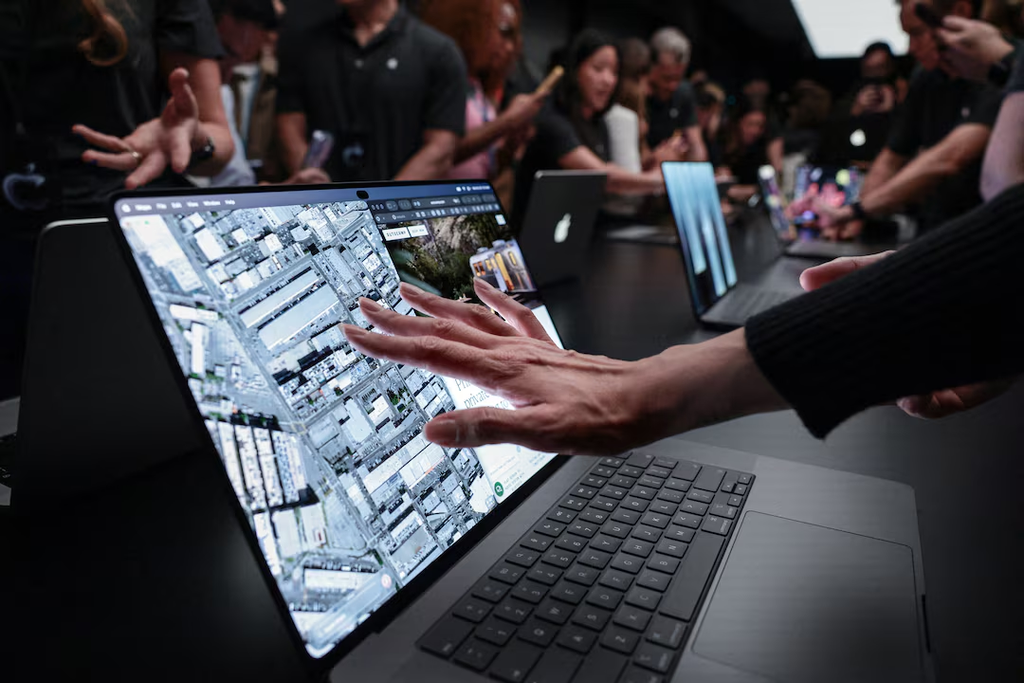
The headline change is not simply a brighter screen. Apple is combining a new display technology with touch controls designed to work alongside the familiar keyboard and trackpad. Users can scroll through pages, zoom into images, move content between applications, and interact directly with creative tools.
The updated MacBook Pro also brings a thinner and lighter design, a Dynamic Island-style interface, improved audio, and support for up to 128GB of unified memory and 16TB of storage in supported configurations.
Here are the main highlights:
- Display: Tandem OLED marketed as PROLED XDR.
- Touch: Multi-touch interactions in macOS.
- Refresh rate: Adaptive ProMotion up to 120Hz.
- Brightness: Up to 2,000 nits peak HDR and SDR brightness, according to Apple.
- Processors: M5 Pro and M5 Max.
- Battery: Up to 24 hours, depending on configuration and usage.
- Storage: Configurable up to 16TB.
- Availability: November 6, 2026.
- Starting price: $2,899 for the 14-inch M5 Pro model in the US.
Apple has published the full details in its official touchscreen MacBook Pro announcement.
The OLED Display Is the Biggest Highlight
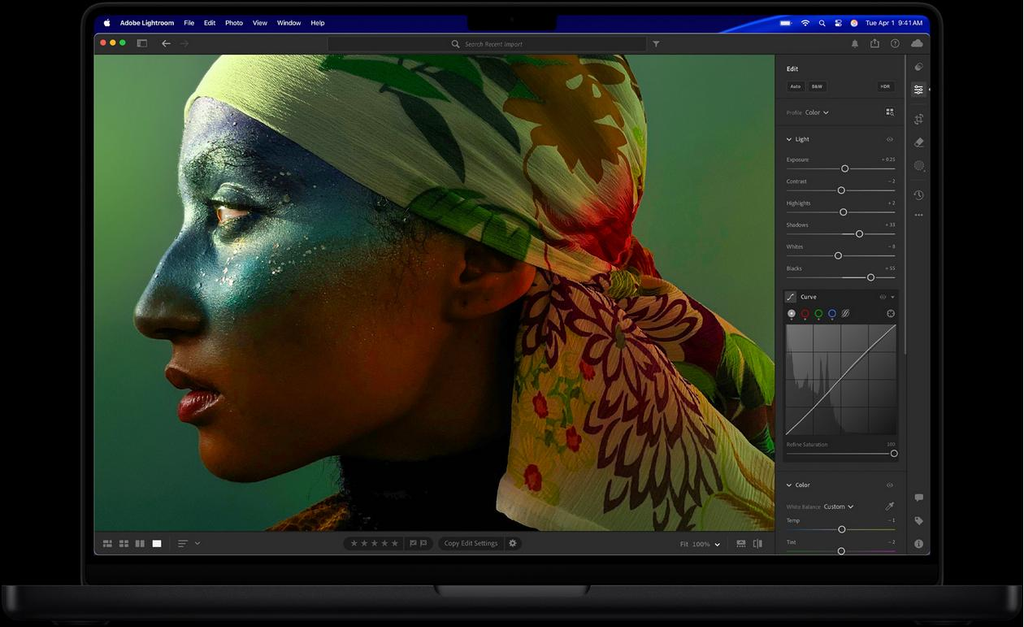
The display may be the most important upgrade for people who spend their day editing photos, working with video, designing interfaces, or viewing high-quality visual content.
Apple calls the new screen PROLED XDR. It uses tandem OLED technology, which combines two self-emissive pixel layers. Unlike a conventional LCD, OLED pixels can control their own light, allowing for deep blacks and strong contrast.
Apple lists three headline display specifications:
| Display feature | Apple’s stated specification |
|---|---|
| Panel technology | Tandem OLED |
| Peak brightness | Up to 2,000 nits |
| Contrast ratio | 10,000,000:1 |
| Refresh rate | Adaptive, up to 120Hz |
| Colour spaces | P3 and Adobe RGB |
| Sizes | 14-inch and 16-inch models |
These specifications could make a difference for photographers, filmmakers, graphic designers, and other professionals who need detailed images and accurate colour.
The high contrast ratio should help dark scenes retain detail while bright highlights remain visible. The adaptive refresh rate can also make scrolling, animations, and supported creative workflows feel smoother.
Apple says its display engine monitors pixel usage and adjusts performance over time to help preserve image quality. The company has not described every technical detail of its burn-in protection approach, so long-term real-world performance will need to be assessed after broader use.
For anyone who mainly writes documents, browses websites, or attends online meetings, however, the difference may be less dramatic than it is for a creative professional.
Touchscreen Finally Comes to the Mac
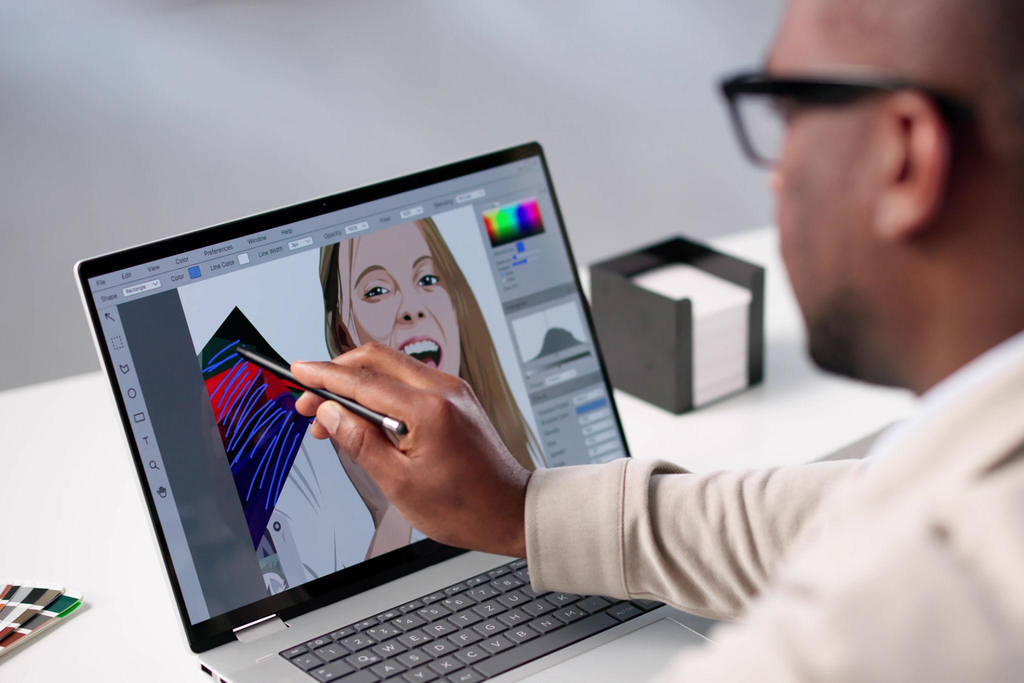
The biggest conversation starter is the arrival of touch input on a MacBook Pro.
Apple has traditionally focused on the keyboard and trackpad for Mac laptops, while touchscreen interaction has been central to the iPad and iPhone. The new MacBook Pro introduces another option: users can interact directly with content on the screen without giving up their conventional laptop controls.
Apple demonstrated several touch interactions, including:
- Scrolling through webpages with a swipe.
- Pinching to zoom into photographs.
- Dragging presentation slides between locations.
- Expanding or repositioning windows with touch gestures.
- Drawing and selecting objects in creative applications.
- Playing software instruments directly on the display.
For designers, a direct interaction with the canvas could make some tasks feel more natural. Musicians may appreciate being able to tap virtual instruments, while developers can test touch interactions in supported iPhone and iPad applications.
Apple says the touch sensor is integrated into the display panel to reduce latency. The redesigned hinge is also intended to provide greater stability when users touch the screen.
Importantly, the new MacBook Pro is still a traditional laptop rather than a 2-in-1 convertible. Apple’s announcement describes touch interaction in the standard laptop configuration, not a display that folds all the way around into a tablet.
That distinction matters. People who want a device they can comfortably hold like a tablet may still prefer an iPad or a convertible laptop. The touchscreen MacBook Pro is aimed at people who want touch as an additional input method while keeping the familiar Mac workflow.
Dynamic Island Arrives on Mac
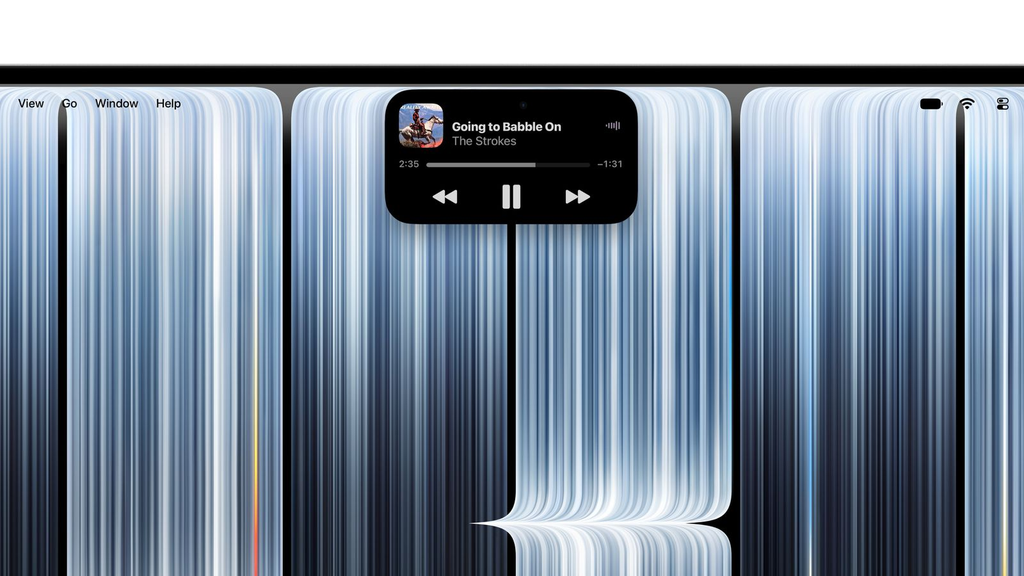
Another visible change is the introduction of Dynamic Island on the MacBook Pro.
On compatible iPhones, Dynamic Island provides a compact area for activities and information. Apple is adapting that concept for the Mac, where it will serve as a home for Spotlight, Live Activities, and Siri AI.
The goal is to make useful information easier to access without forcing users to leave their current application.
For example, users may be able to check an activity, interact with a notification, control music, or access Siri from this area. The exact usefulness will depend on how the feature works across applications and how developers support it.
The change also reflects a broader direction in Apple’s software: bringing more contextual assistance into the operating system rather than making people open a separate app for every action.
Still, a new interface element is only valuable if it fits naturally into daily work. Users will need time with the laptop to determine whether Dynamic Island makes multitasking more convenient or simply adds another place to look.
M5 Pro and M5 Max: Performance and AI
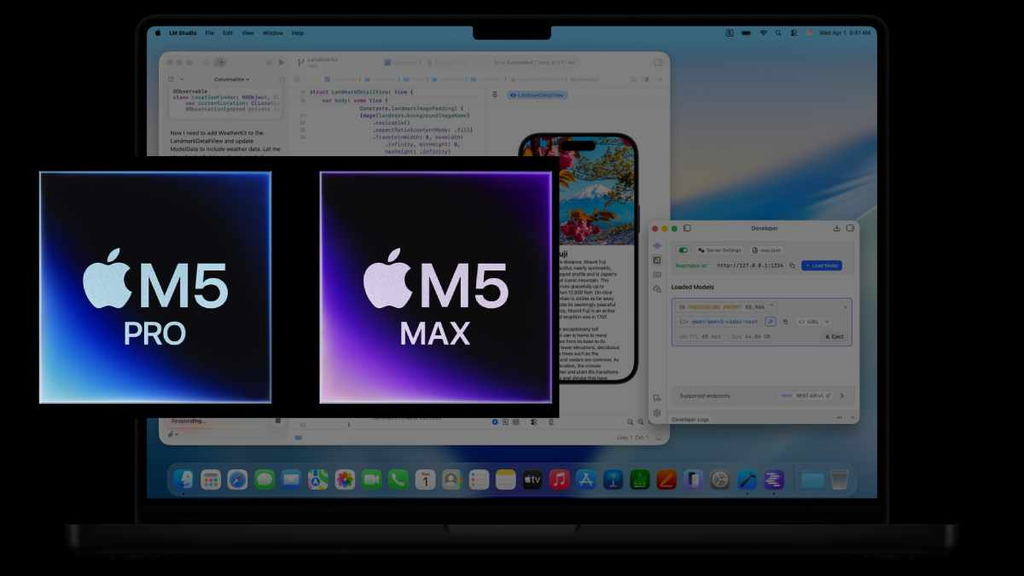
Despite the major display and design changes, the touchscreen MacBook Pro does not introduce the M6 chip. It uses Apple’s M5 Pro and M5 Max processors.
These are the configurations Apple positions for demanding professional work, including software development, video editing, 3D rendering, and AI workloads.
The M5 Pro is aimed at users who need strong performance across a wide range of tasks. M5 Max targets heavier workloads and configurations that benefit from additional graphics and memory capacity.
Apple says the new MacBook Pro supports up to 128GB of unified memory and up to 16TB of storage, depending on the selected model and configuration. These options can be useful when working with large media projects, complex scenes, and locally run AI models.
On-device AI is another important part of the story. Apple highlights the ability to run large language models locally on supported configurations, potentially allowing some workflows to run without sending every request to a cloud service.
Local processing can offer privacy and responsiveness benefits, but it does not automatically mean every AI feature runs offline. Some capabilities still depend on internet access, supported software, or cloud-based services.
The laptop also runs macOS 27, which includes Apple Intelligence features and Siri AI. As always, availability can vary by language, region, application, and system requirements.
For a professional considering this machine, the practical question is simple: will the combination of the M5 Pro or M5 Max, memory, storage, and display meaningfully improve the work you do?
Battery Life, Design and Connectivity

Apple says the redesigned MacBook Pro can deliver up to 24 hours of battery life. Actual battery life will depend on the model, configuration, workload, brightness, and connected accessories.
The new models are also lighter than their predecessors. Apple lists the 14-inch model at 3 pounds and the 16-inch model at 4 pounds. That could be helpful for professionals who regularly move between a home office, workplace, studio, or client meetings.
Other notable features include:
- A six-speaker audio system with deeper bass.
- A 12MP Center Stage camera.
- Studio-quality microphones.
- Thunderbolt 5 connectivity.
- Wi-Fi 7 and Bluetooth 6.
- Support for multiple external displays, depending on the chip configuration.
- Fast charging, with Apple stating up to 50% charge in around 30 minutes using a compatible adapter.
The combination of portability, display quality, connectivity, and battery life is particularly relevant to people who edit video, create visual content, or work with large files away from a fixed desk.
However, buyers should compare the complete configuration they need rather than focusing only on the headline specifications. Memory and storage upgrades can increase the final price significantly.
Apple Touchscreen MacBook Pro Price and Availability
Apple opened pre-orders for the new touchscreen MacBook Pro on October 28, 2026. The company says the laptops will begin arriving at customers and Apple Store locations on November 6.
The announced US starting prices are:
| Model | Starting price in the US |
|---|---|
| 14-inch MacBook Pro with M5 Pro | $2,899 |
| 16-inch MacBook Pro with M5 Pro | $3,399 |
| 14-inch MacBook Pro with M5 Max | $4,499 |
| 16-inch MacBook Pro with M5 Max | $4,799 |
These are starting prices before optional memory and storage upgrades. The most expensive configurations can cost considerably more.
Prices, taxes, availability, and configurations vary by country. Readers in India should check Apple’s official India MacBook Pro page for local pricing and availability rather than converting US prices directly.
The price will likely be the biggest obstacle for everyday users. A touchscreen can be useful, but it may not justify a premium upgrade if your current laptop already handles your daily tasks comfortably.
Touchscreen MacBook Pro vs. the M6 MacBook Pro
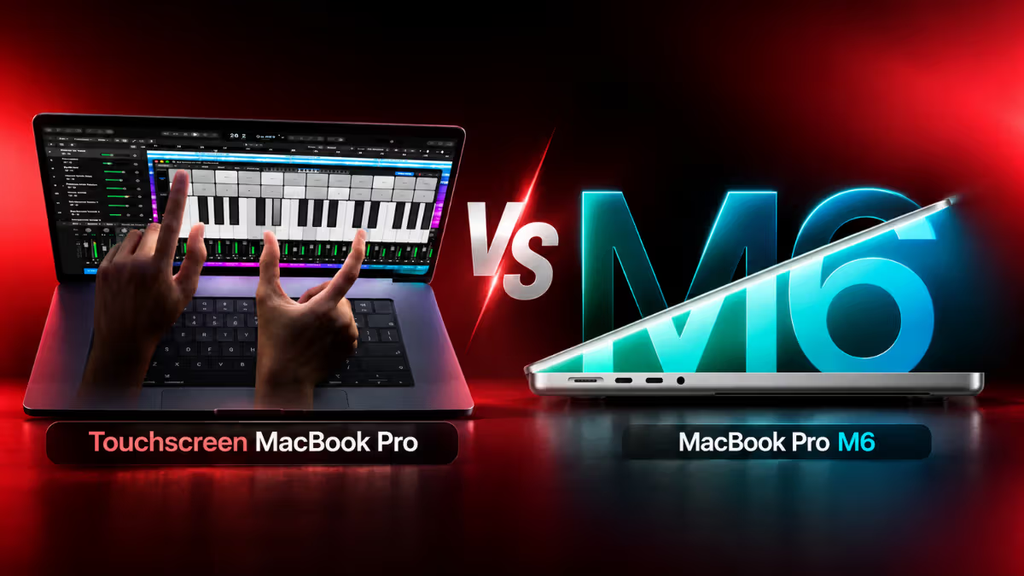
There is an important detail that can be easy to miss in the latest Apple news: the touchscreen MacBook Pro and the M6 MacBook Pro are separate announcements.
Apple announced a new 14-inch MacBook Pro with M6 on October 27, 2026. The touchscreen MacBook Pro with tandem OLED was announced on October 28 and uses M5 Pro and M5 Max.
| Feature | Touchscreen MacBook Pro | 14-inch MacBook Pro with M6 |
|---|---|---|
| Announcement | October 28, 2026 | October 27, 2026 |
| Main highlight | Tandem OLED and touch | M6 chip and on-device AI |
| Processor | M5 Pro or M5 Max | M6 |
| Display | PROLED XDR tandem OLED | Liquid Retina XDR |
| Touch input | Yes | Not listed as a headline feature |
| Starting US price | $2,899 | $1,999 |
| Availability | November 6, 2026 | November 6, 2026 |
The M6 model is positioned as a more affordable performance upgrade, while the touchscreen model targets professionals who want a new display and input experience alongside high-end performance.
Neither is automatically the better purchase. The right choice depends on whether you value touch interaction and tandem OLED more than the newer M6 chip and lower starting price.
You can read Apple’s separate 14-inch MacBook Pro with M6 announcement for its specifications and AI capabilities.
Who Should Consider Buying the Touchscreen MacBook Pro?
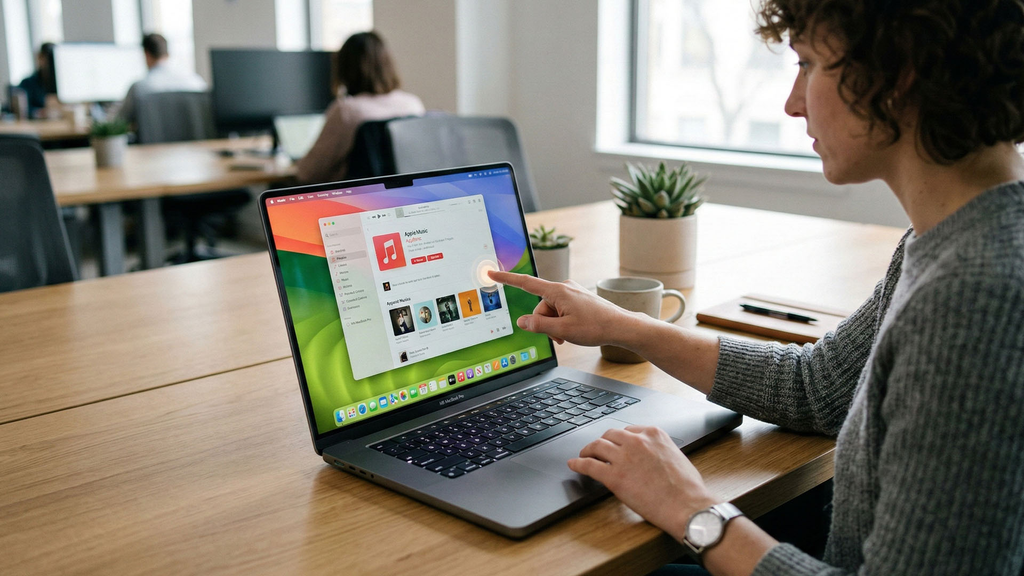
The new MacBook Pro looks most relevant to people who can take advantage of its display, touch controls, and high-performance hardware.
Creative professionals: Photographers, video editors, illustrators, and designers may benefit from the OLED display, colour support, and direct touch interaction.
Developers: The M5 Pro and M5 Max configurations, high memory capacity, and local AI capabilities could suit demanding development workflows.
AI researchers and creators: People who run local models or work with large media and AI projects may value the available memory, graphics performance, and storage options.
Everyday users: If your main activities are web browsing, email, office documents, and streaming, the new features may be more than you need. A less expensive MacBook could provide better value.
Before buying, consider your existing machine, the applications you use, how much memory you need, and whether touch input would genuinely improve your workflow.
A major redesign can be exciting, but the best laptop is the one that solves your actual problems—not simply the one with the most new features.
Frequently Asked Questions
Does the new MacBook Pro have a touchscreen?
Yes. Apple introduced touch input on the Mac for the first time with its new 2026 MacBook Pro. Users can interact with supported content using gestures such as swiping, pinching to zoom, and dragging items.
Does the touchscreen MacBook Pro use an OLED display?
Yes. The new model uses tandem OLED technology, which Apple markets as PROLED XDR. Apple says it supports up to 2,000 nits of peak brightness and a 10,000,000:1 contrast ratio.
Is the new touchscreen MacBook Pro a 2-in-1 laptop?
No. It remains a conventional laptop with a keyboard and trackpad. Touch is an additional way to interact with the display, rather than a replacement for the existing controls.
Which chip powers the touchscreen MacBook Pro?
The touchscreen models use Apple’s M5 Pro and M5 Max chips. The separately announced 14-inch MacBook Pro with M6 is a different product.
When will the touchscreen MacBook Pro be available?
Apple announced pre-orders on October 28, 2026, with availability scheduled to begin November 6, 2026.
How much does the touchscreen MacBook Pro cost?
In the US, the announced starting prices are $2,899 for the 14-inch M5 Pro model, $3,399 for the 16-inch M5 Pro, $4,499 for the 14-inch M5 Max, and $4,799 for the 16-inch M5 Max. Prices can rise with memory and storage upgrades.
Is the touchscreen MacBook Pro worth buying?
It may be worth considering if you work with visual content, creative applications, or demanding professional workloads. Everyday users who mainly browse, write, and stream may find better value in a less expensive laptop.
Conclusion
Apple’s touchscreen MacBook Pro is a significant change for the Mac lineup. The tandem OLED display, touch gestures, Dynamic Island, and M5 Pro or M5 Max performance give creative professionals new ways to interact with their work.
But the high starting price makes it a specialised purchase rather than an automatic upgrade for everyone. If display quality and touch interaction matter to your work, it deserves a closer look. If raw performance at a lower starting price is your priority, compare it with the separately announced M6 MacBook Pro before deciding.
For TechThrilled readers, the bigger story is how Apple is rethinking the laptop experience while keeping the familiar Mac design and workflow.